
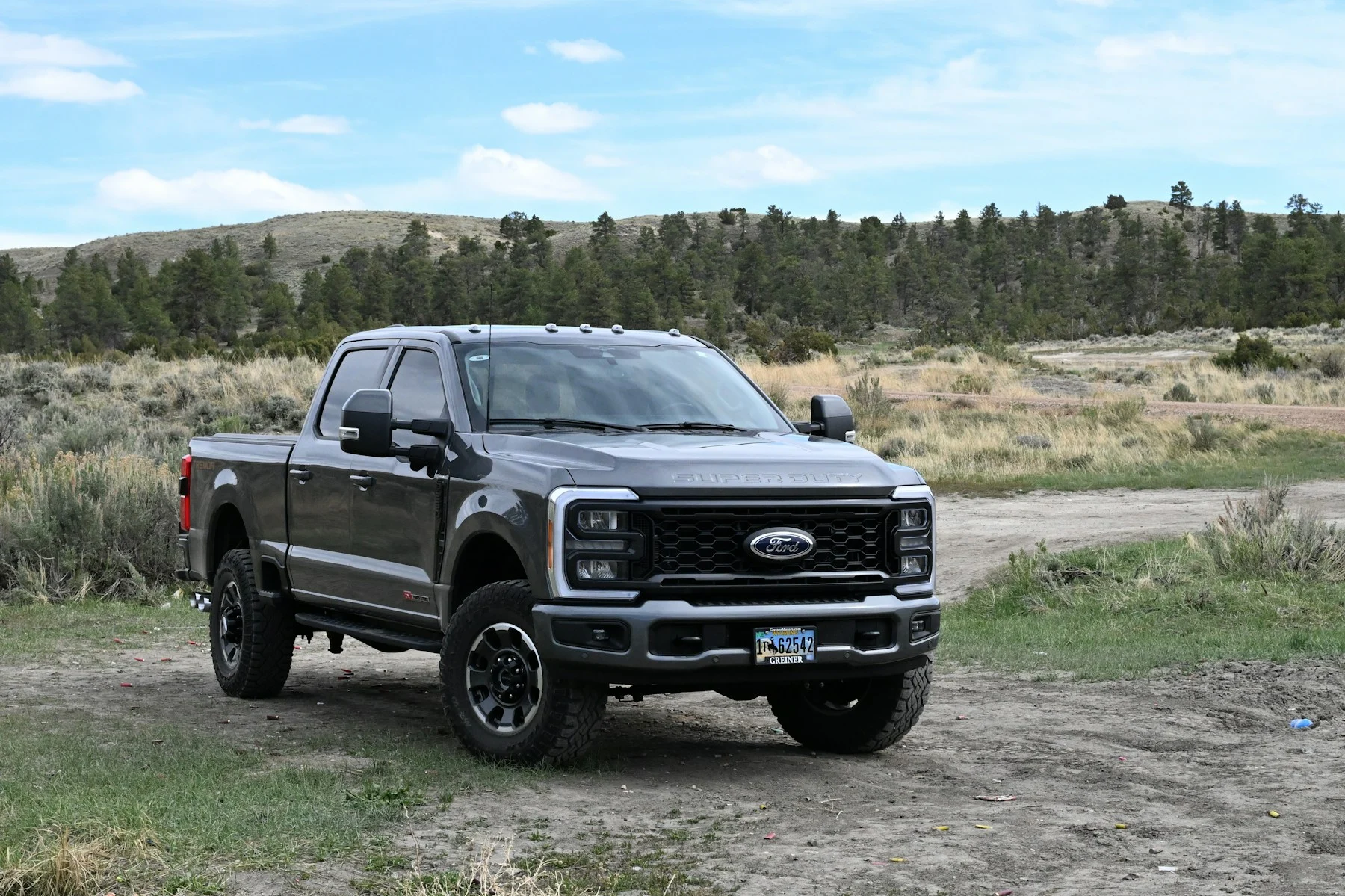
Identify the truck and what is already installed
Send the year, make, model, engine size and transmission. If you know the engine version or controller information, include it. Mention an engine or transmission swap rather than assuming the badge tells the whole story.
List the device and software you already own, including the exact model. Keep any previous calibration records and explain whether another shop supplied the current file. Do not describe a truck as stock unless that history is known.
A read file and a data log answer different questions
HP Tuners describes a vehicle read as transferring calibration information from the vehicle’s controllers into VCM Editor. Its documentation also recommends saving a backup of an initial stock read. Follow the instructions for the actual device and vehicle rather than using a generic procedure from a different platform.
A data log records selected operating information during a session. The tuner should specify which channels and conditions are needed. An unrelated log or a file with an unclear vehicle history may not answer the question being reviewed. Wait for those instructions before collecting data.
Confirm the supported workflow before buying hardware
Remote work can involve an interface, software, controller licensing or an unlock requirement, depending on the application. A device listing does not by itself confirm support for your exact controller, or include a custom calibration.
HP Tuners documents several remote-tuning tools and workflows. That does not mean every diesel truck uses the same process. Ask Dialed In to confirm the proposed delivery method and what is included before ordering a device or license.
- Exact device model and current software, if already owned.
- Known controller details and existing tune history.
- Current hardware, driveline changes and fuel-system configuration.
- Location, intended use and the behavior you want reviewed.
Agree on the follow-up before the first file
Ask who will supply the logging instructions, how files should be named and sent, what feedback is expected and whether revisions are included. Keep each file with its vehicle and configuration notes so different trucks or revisions cannot be mixed up.
Use the manufacturer’s power-supply and communication instructions for reading or programming. Stop and get help if there is a connection or vehicle fault; do not improvise a recovery procedure. Collect operating data only under safe, lawful conditions specified for the task.
Send the initial details through the truck quote form. A complete request lets the compatibility and scope discussion happen before money is committed to hardware.
Manufacturer references
Further reading for the technical topics in this guide.